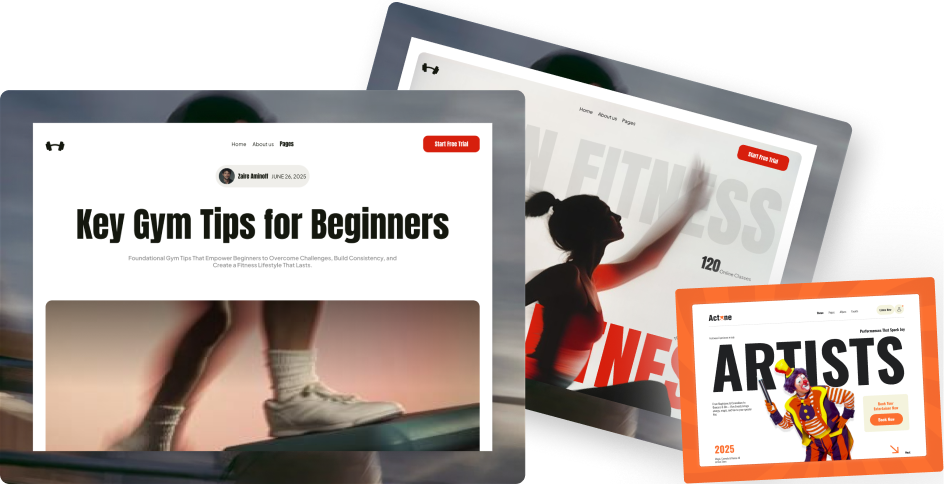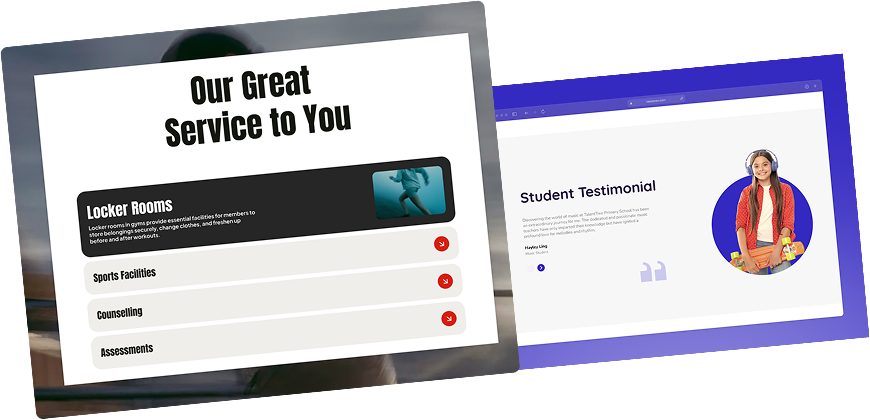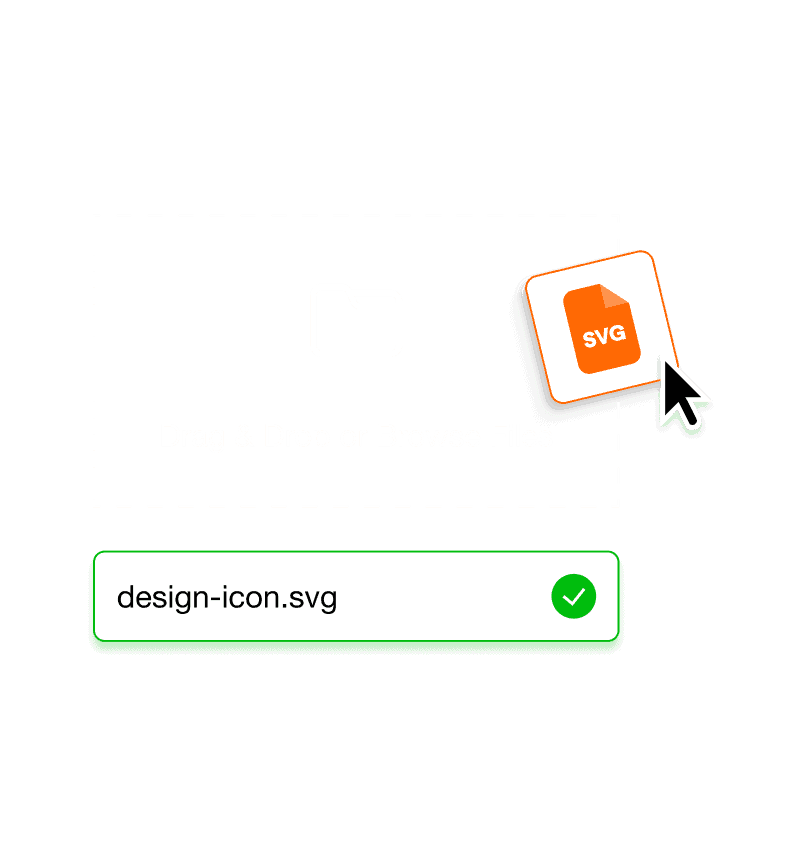
Why Should You Upload SVG Files to WordPress?
Upload SVG to WordPress Without Security Concerns
Enable SVG uploads while keeping your WordPress media library safe. Files are cleaned automatically so you can use SVGs confidently for real projects.
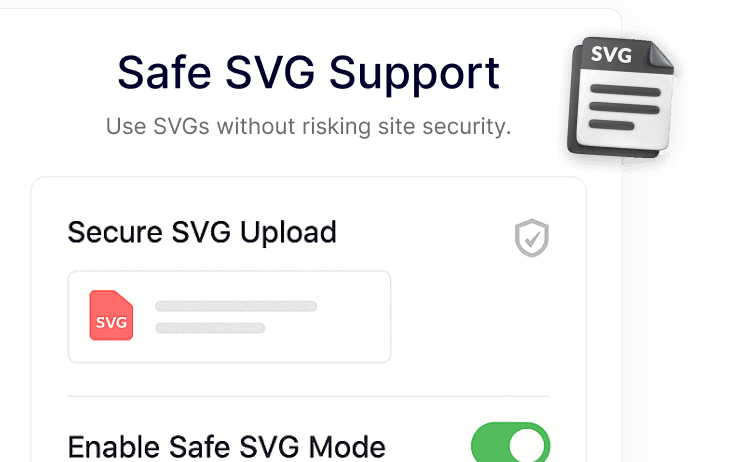
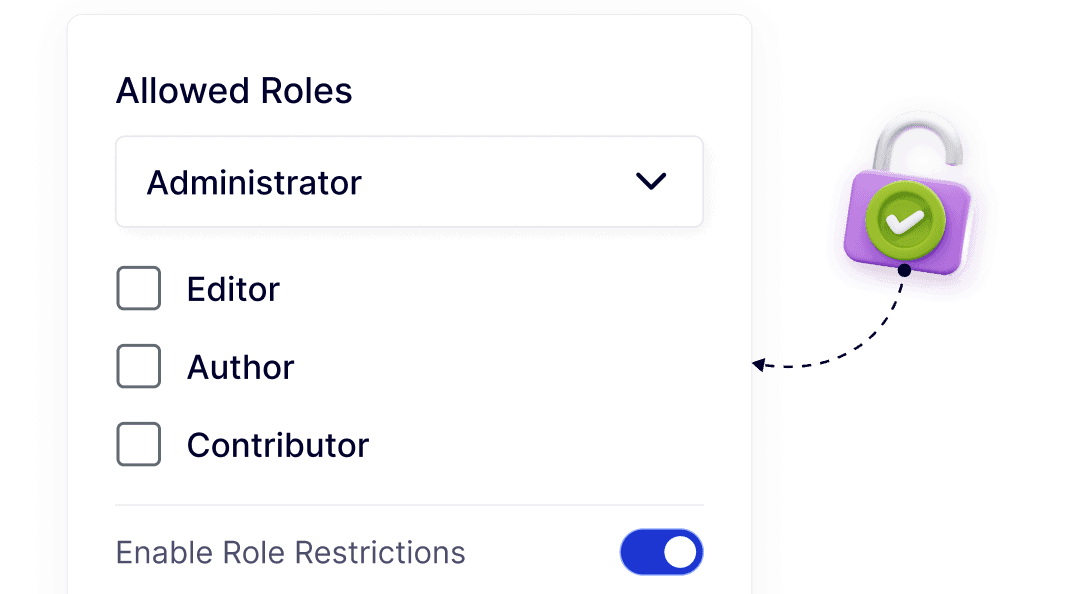
Control Who Can Upload SVG Files in WordPress
Choose which user roles can upload SVG files. This keeps media access organized on multi-author sites without slowing down workflows.
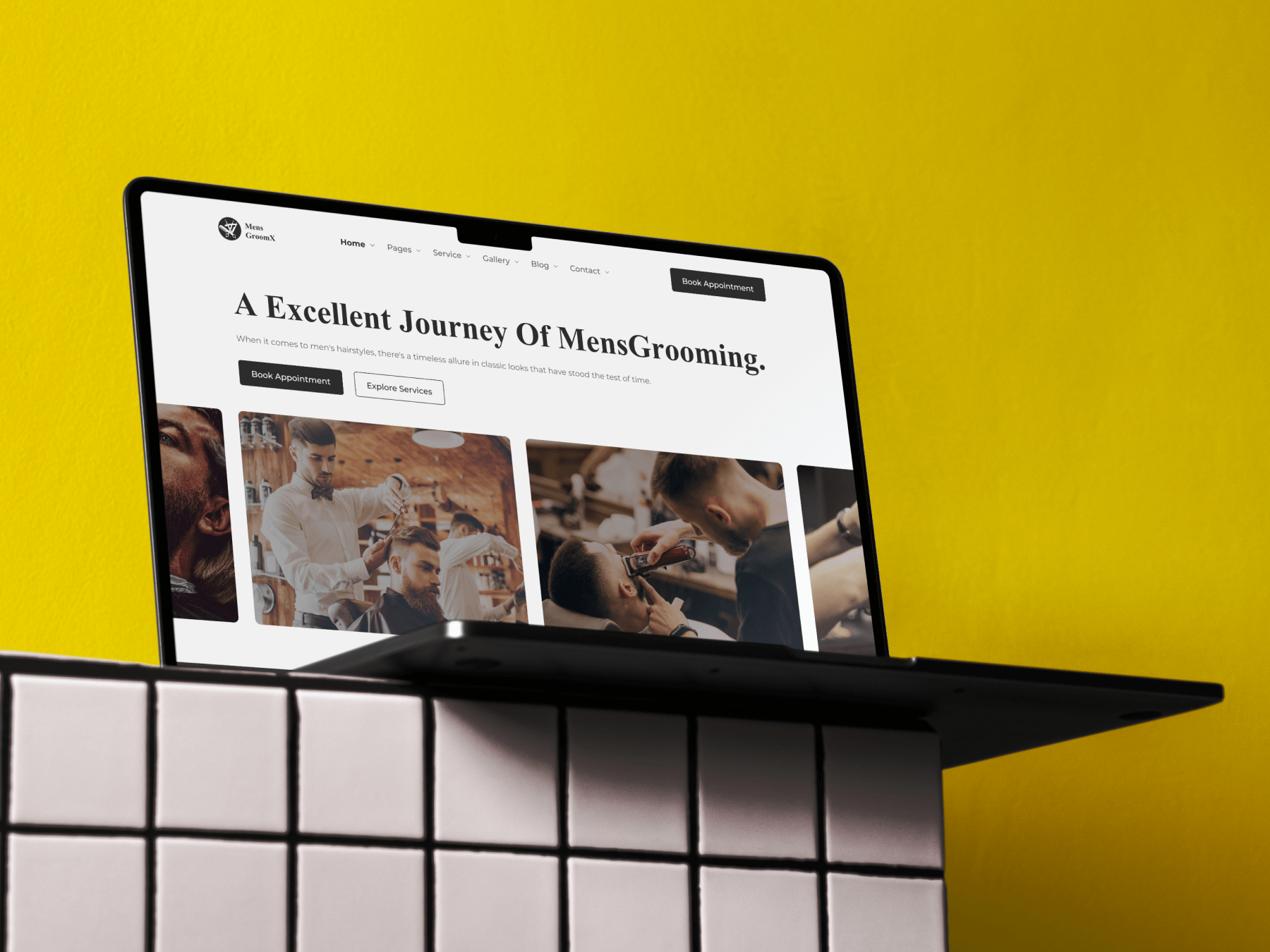
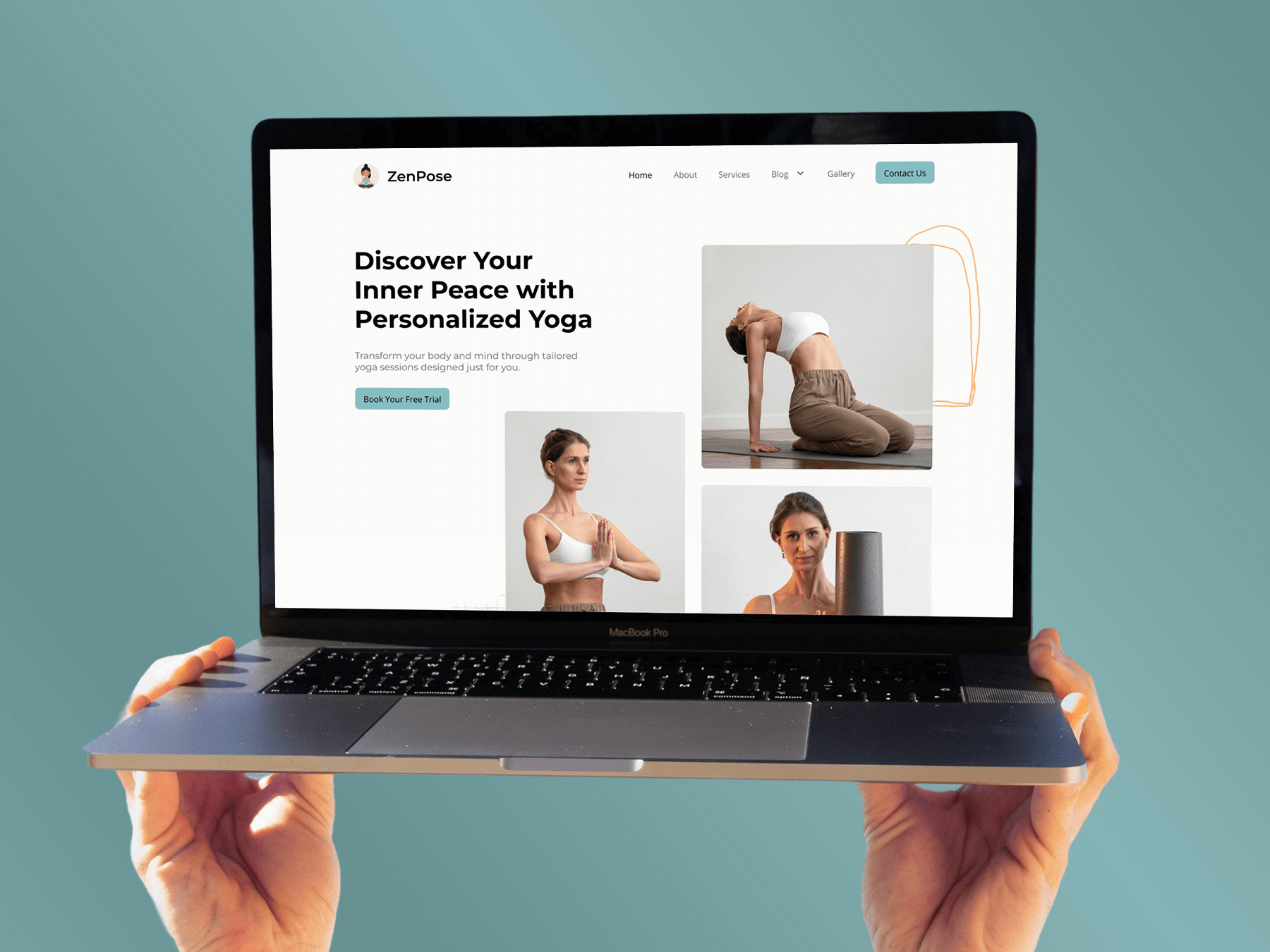
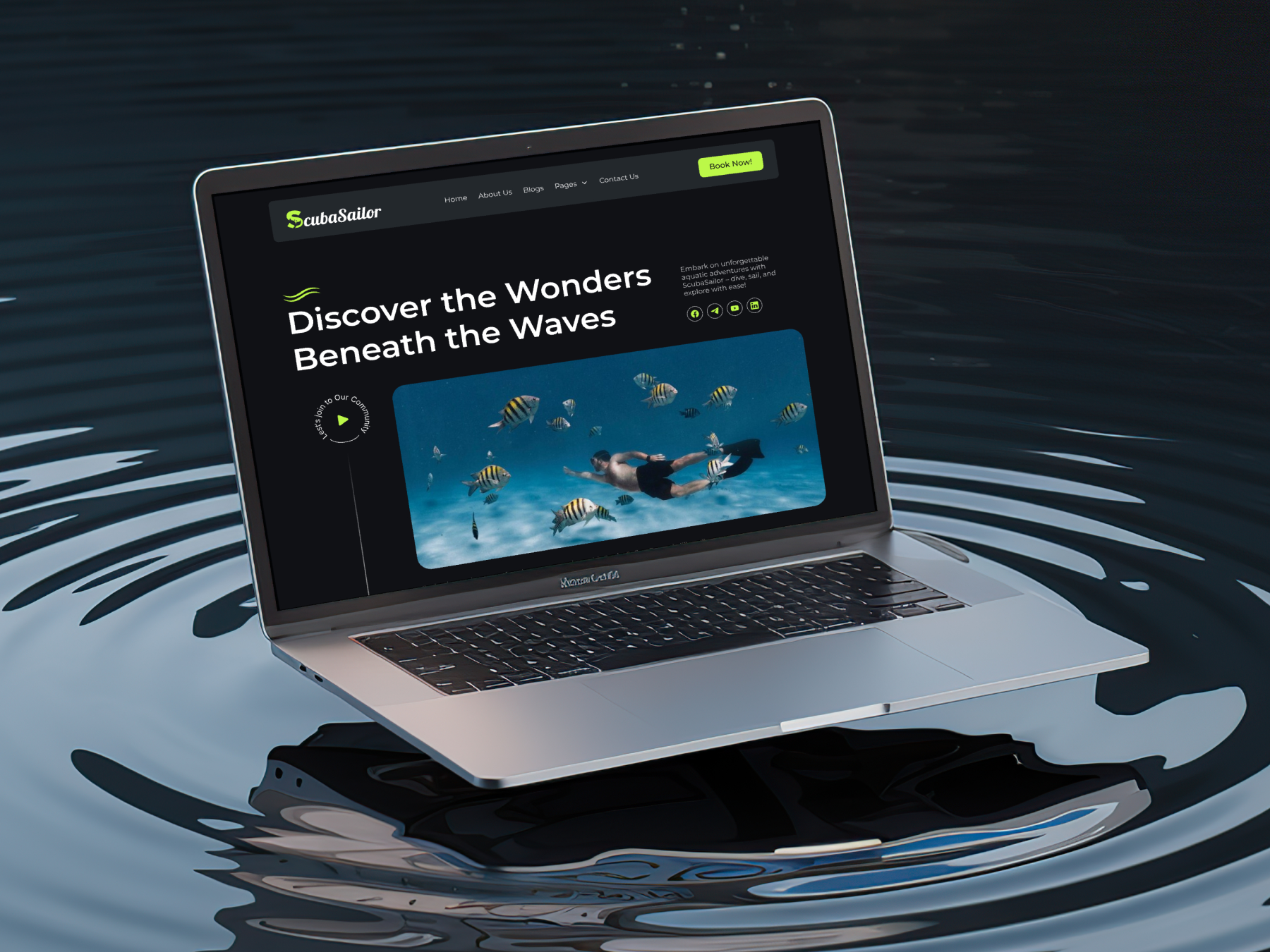
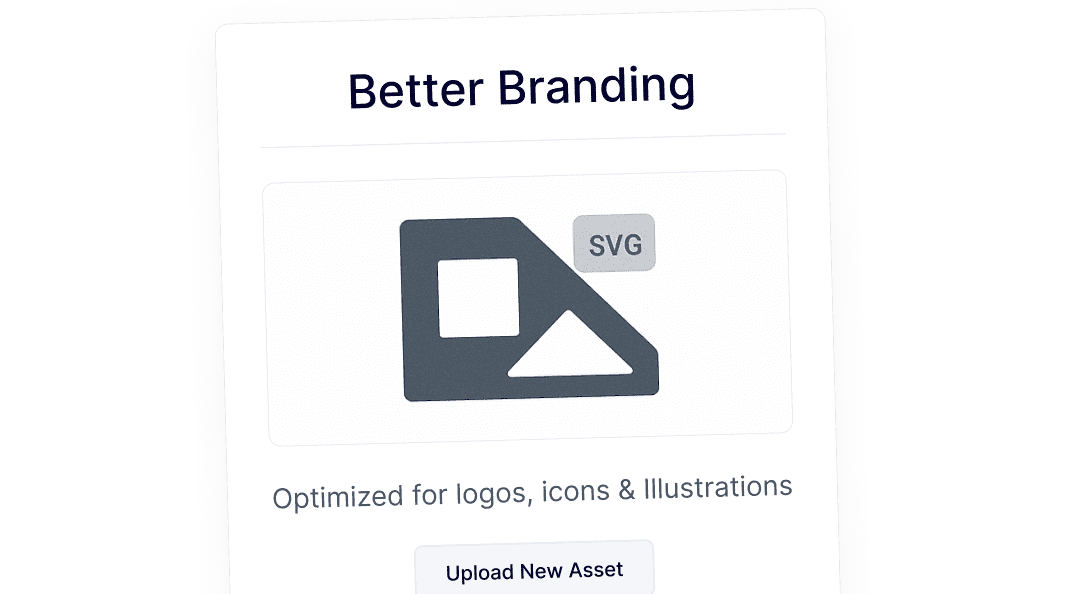
Use SVG Files for Clean, Consistent Branding
SVG uploads make it easy to use sharp logos, icons, and illustrations across your WordPress site. Designs stay crisp on all screen sizes, helping your brand look consistent without managing multiple image versions.
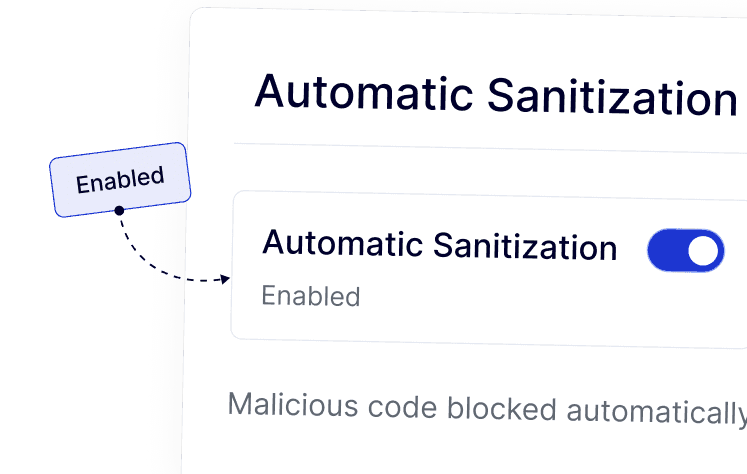
Automatic SVG Sanitization for Safer Uploads
Every SVG file is sanitized during upload to remove unsafe elements, helping maintain a stable and clean WordPress environment.